Catch a question from either chat.
Read messages from supported channels together in PRISM. Bring chat and alerts into an OBS scene so viewers can follow along wherever they watch.
See chat and overlaysPRISM by Riftspire
Take the show you already run in OBS to Twitch, YouTube and more at the same time. Follow the conversation in PRISM and keep a recording for anyone who missed it.
Free on two live destinations with Spark.
Where you can
go live
See how Friday Night Co-op comes together, from connecting channels and creating the event to going live and sharing shorts.
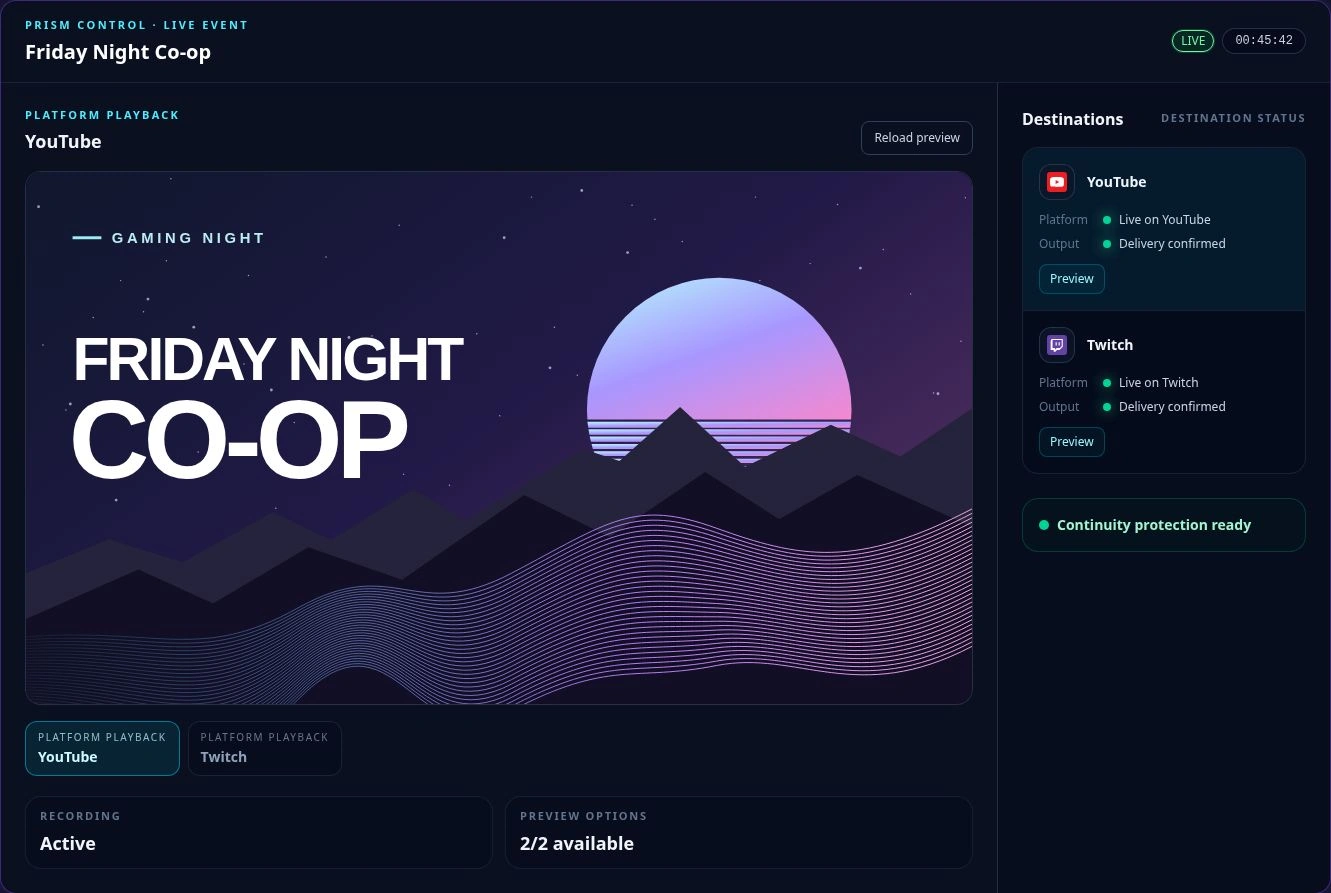
Check that each destination is receiving your show. In this sample broadcast, YouTube and Twitch are both live.
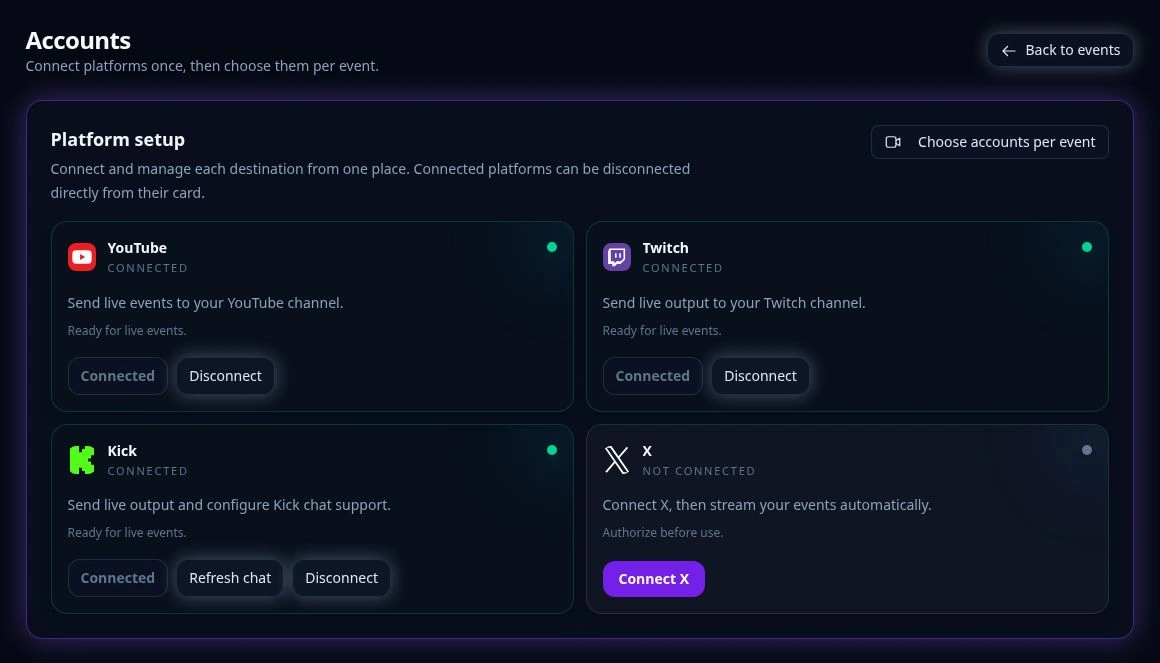
Link each channel once. In this example, YouTube, Twitch and Kick are ready to use, and X is available to connect.
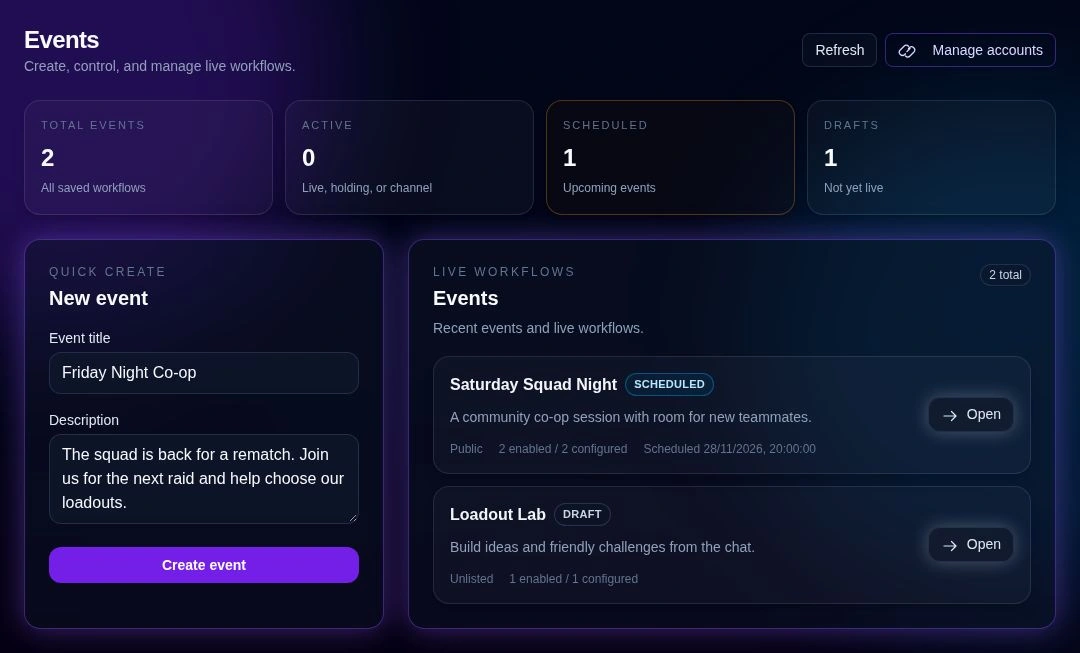
Start with a title and an optional description. The Events list keeps your drafts and scheduled shows together.
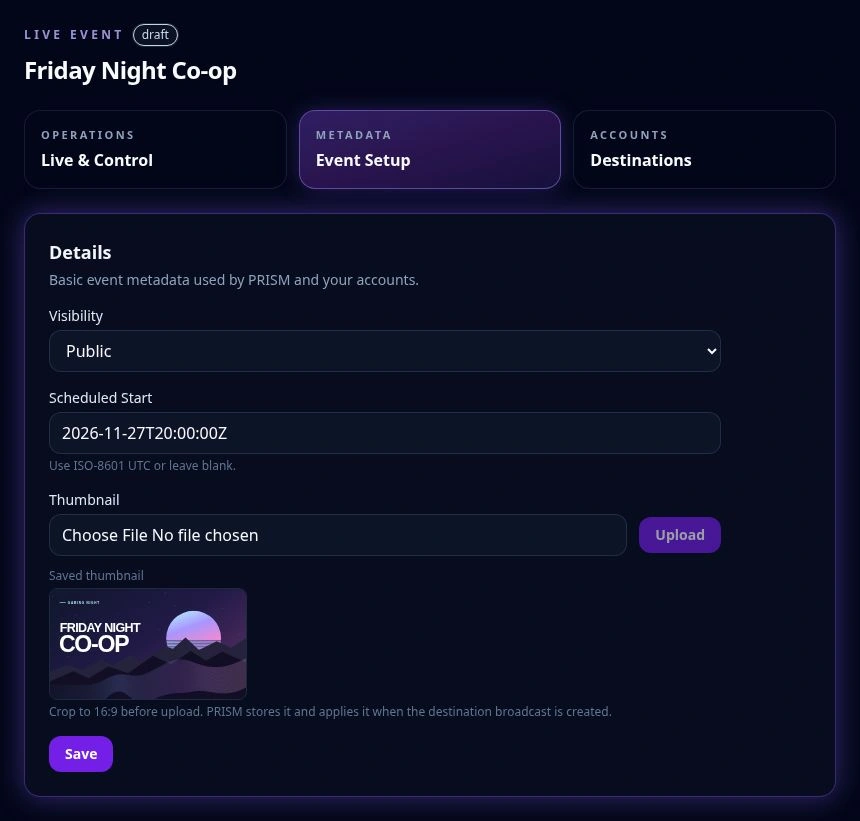
Set the visibility, schedule a start time and add a thumbnail. Friday Night Co-op is set to public with its own show artwork.
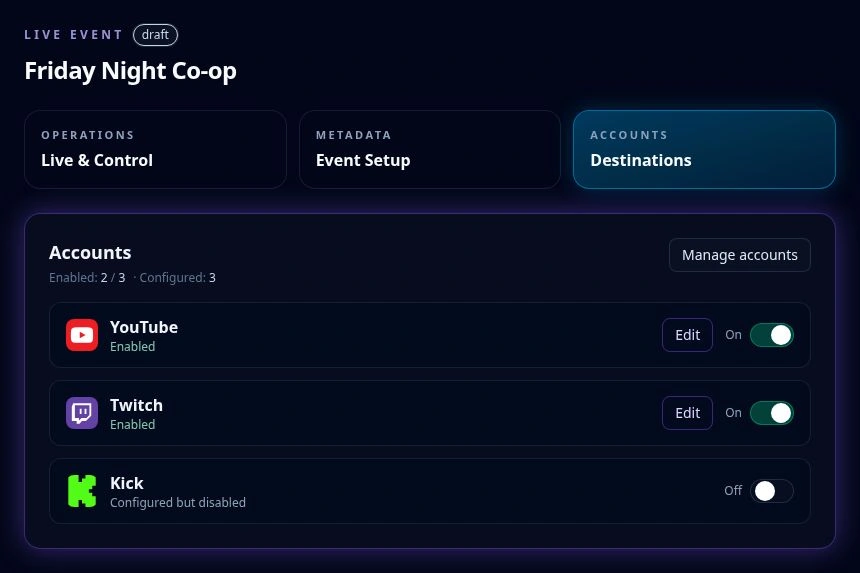
Pick which channels carry this event. Friday Night Co-op goes to YouTube and Twitch, while Kick stays connected for another show.
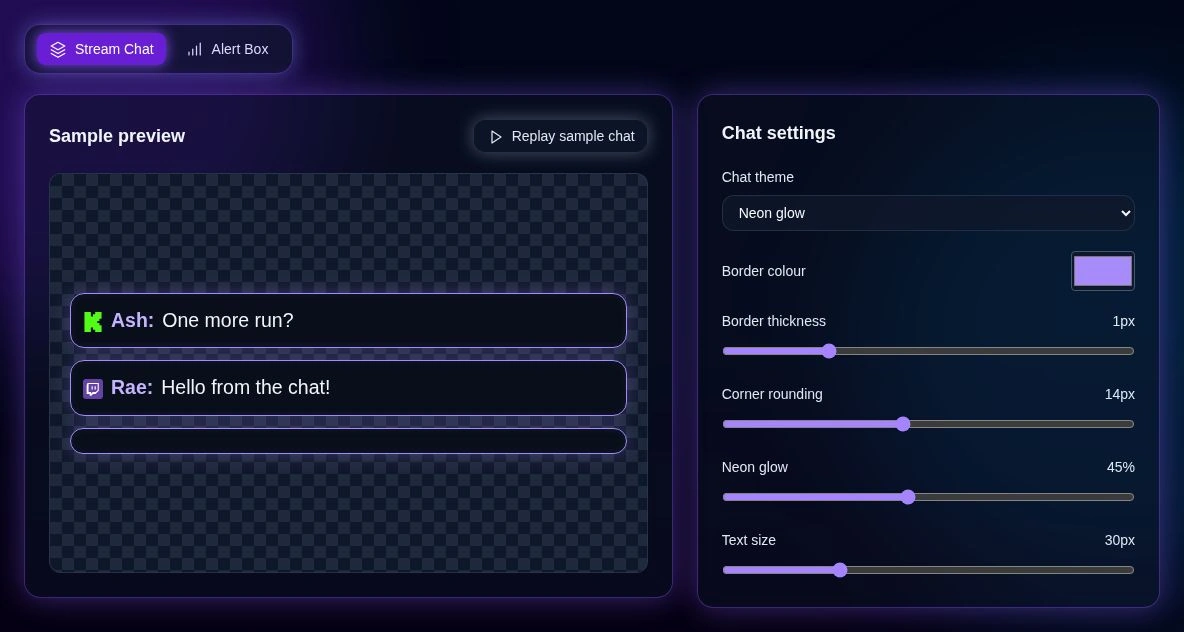
Choose how chat looks on your stream. Replay sample messages to check the colours and text size against your theme.
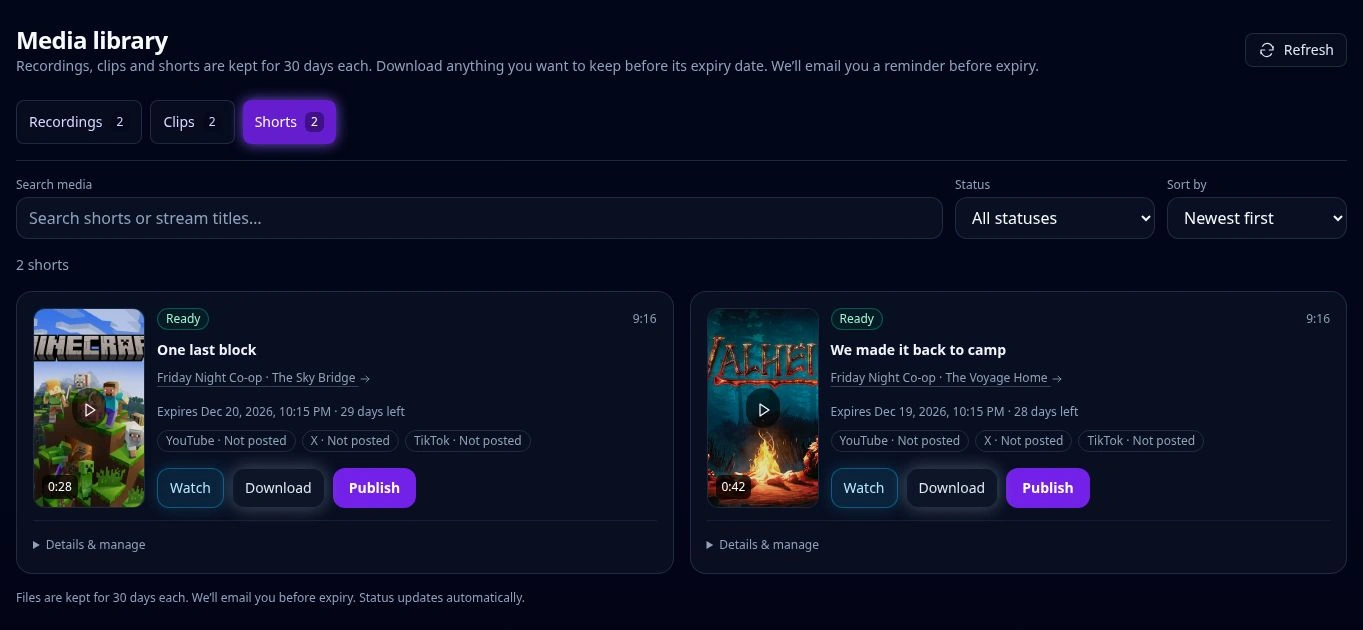
Find recordings, clips and shorts after a show. This sample library has two vertical shorts ready to watch or download.
Disconnect protection
During a brief disconnect, PRISM plays a standby video on your channels. When you reconnect in time, your live picture returns. Every plan includes a standard standby video.
See options for your own standby video PRISMInteractive illustration
One broadcast, shared with two destinations.
Illustration only. Standard standby video included on every plan.Your first broadcast
Sign in to PRISM and connect the accounts you want to stream to. You’ll need live access on each platform.
Create an event, give it a title and pick its destinations. Use the stream details for that event in OBS or other compatible streaming software.
Use your usual scenes and audio. Open PRISM Control to check which destinations are receiving your show.
Plans & pricing
FreeNo monthly charge
Start with the two channels where your viewers already watch.
2 platforms live at the same time
£9.99/ month
Add a third live channel and play your own “back soon” video if you disconnect.
3 platforms live at the same time
Compatibility Mode Optional +£7.99/month
Explore Pulse£19.99/ month
Reach five channels live, then give viewers another chance to catch the show.
5 platforms live at the same time
Compatibility Mode Optional +£7.99/month
Explore Flux£29.99/ month
Reach up to six channels and find highlights to share with AI Clips.
6 platforms live at the same time
Prices in GBP, billed monthly. Optional add-ons cost extra unless shown as included. Final pricing and any applicable taxes are shown before you pay in PRISM.
Meet Riftspire
Tell us where you stream and what you want to do next. We can help you work out which PRISM features fit your show.
Start with two simultaneous destinations on the free Spark plan.